For a small business, technology needs to work reliably without becoming a constant management burden. Email, cloud applications, customer data, devices, cybersecurity, internet connectivity and business software are now closely connected to everyday operations. When even one of these areas fails, employees can lose valuable time and customers may experience delays.
This is why many Australian small businesses consider managed IT services as an alternative to handling every technology requirement internally.
However, choosing a provider should involve more than comparing monthly prices. The right service needs to match the business’s size, technology environment, security requirements, growth plans and day-to-day operations.
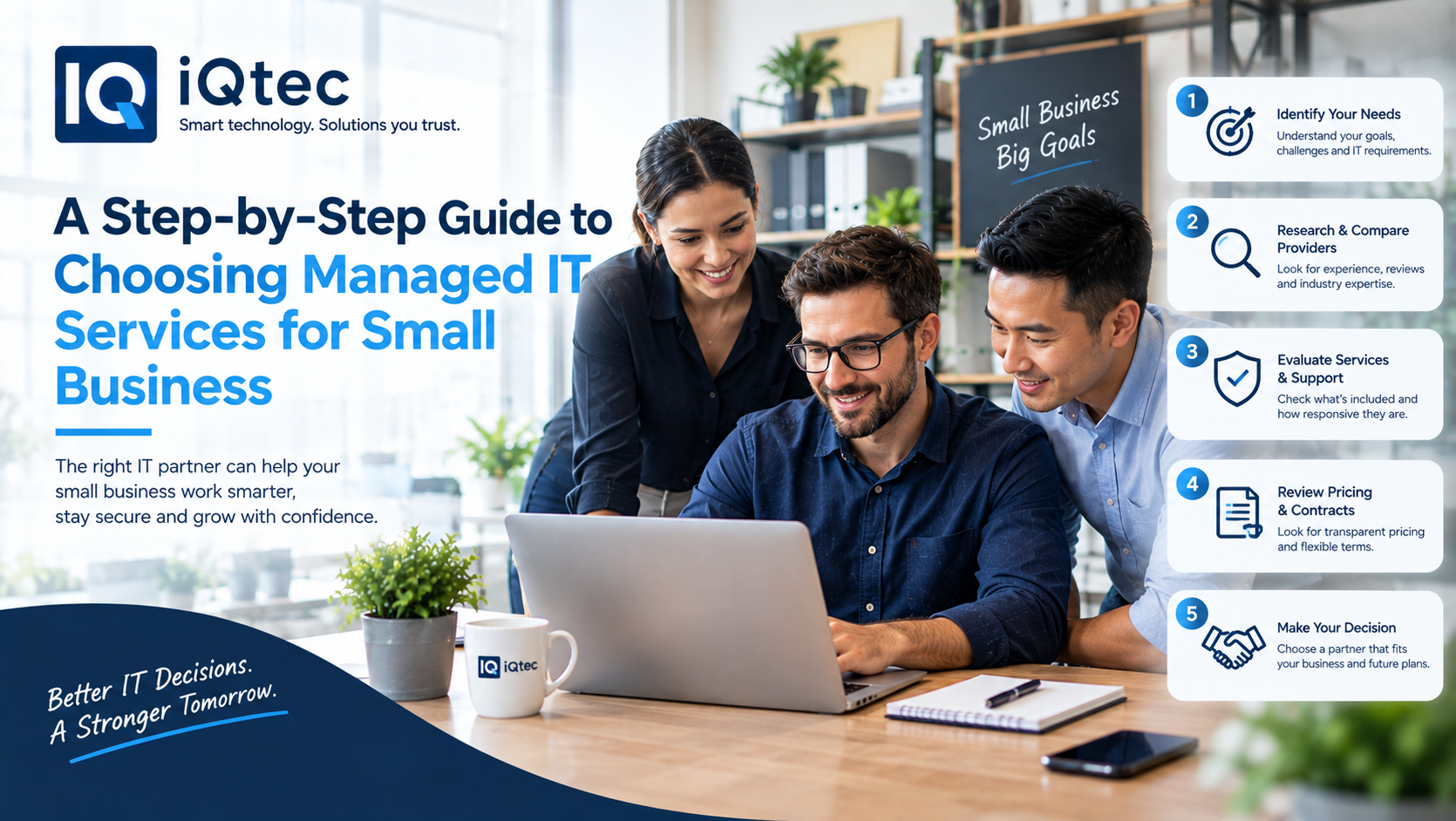
This step-by-step guide explains how Australian small businesses can evaluate managed IT services and select an approach that supports both current operations and future growth.
Step 1: Understand What Your Business Actually Needs
Before contacting providers, make a list of the technology your business currently depends on.
Consider:
- Laptops and desktops
- Microsoft 365 or Google Workspace
- Cloud applications
- Business software
- Internet and networking
- Printers and other devices
- Data storage
- Backup systems
- Cybersecurity tools
- Remote-working technology
You should also identify who currently manages these systems.
In some small businesses, one employee may be handling IT alongside their normal responsibilities. In others, technical issues may be outsourced on an ad-hoc basis.
Understanding the current situation gives you a clearer starting point.
Step 2: Identify the Problems You Want to Solve
Do not choose managed IT services simply because another business is using them.
Start with your own problems.
For example, perhaps employees frequently experience software issues, new staff take too long to set up, backups are inconsistent or nobody has enough time to monitor cybersecurity alerts.
Create a list of recurring issues and consider their business impact.
Ask:
What interrupts our employees most often?
What technology risks are we currently unsure about?
What IT tasks consume too much internal time?
What could become a problem as the business grows?
These answers can help you identify the services that actually matter.
Step 3: Decide What You Want the Provider to Manage
Managed IT services can cover a broad range of responsibilities.
Depending on your business, you might need:
- Help desk support
- Device management
- Network management
- Cloud administration
- Microsoft 365 support
- User account management
- Software and patch management
- Cybersecurity
- Backup management
- Remote support
- Onsite technical assistance
A small business does not necessarily need every service available.
The goal is to build a support model around your actual requirements rather than paying for unnecessary capabilities.
Step 4: Look Beyond Break-Fix IT Support
One important difference between managed services and traditional break-fix support is the focus on prevention.
With break-fix support, a business typically contacts an IT technician after something goes wrong.
Managed services can take a more proactive approach.
This may involve monitoring systems, applying updates, reviewing security alerts, checking backups and identifying recurring technical problems.
For a small Australian business without a dedicated internal IT department, this proactive approach can help reduce the amount of time employees spend dealing with preventable technical problems.
Step 5: Make Cybersecurity Part of the Selection Process
Cybersecurity should be considered from the beginning rather than added after choosing an IT provider.
Small businesses can be attractive targets for cybercriminals because they may have valuable customer information but fewer internal resources dedicated to security.
When evaluating providers, ask how they manage:
- Multi-factor authentication
- Endpoint security
- Password and identity management
- Email security
- Security updates
- Backup protection
- Security monitoring
- Access permissions
- Employee security awareness
- Incident response
You should also ask whether the provider can help your business understand its cybersecurity maturity and identify areas requiring improvement.
Step 6: Check Cloud and Microsoft 365 Expertise
Many Australian small businesses operate primarily through cloud platforms.
Your provider may therefore need to manage Microsoft 365, Google Workspace, cloud storage, collaboration applications and other cloud-based systems.
Ask potential providers whether they can help with:
- User creation and removal
- Permissions
- Security settings
- Cloud application troubleshooting
- Microsoft 365 administration
- Cloud migration
- Data protection
- Account recovery
- Licence management
Cloud expertise is particularly important when employees depend on these platforms for communication and daily work.
Step 7: Evaluate the Support Experience
A provider’s technical capabilities are important, but so is the experience of getting help.
Ask how employees will contact support.
Can they submit tickets online? Call a help desk? Send an email?
You should also understand how support requests are prioritised.
For example, an employee unable to access an important business system may require a different response from someone experiencing a minor software issue.
Ask providers about:
- Support channels
- Response commitments
- Escalation procedures
- Priority levels
- After-hours support
- Communication during major incidents
A clearly defined support process can prevent confusion when an urgent issue occurs.
Step 8: Decide Whether You Need Onsite Support
Remote support can resolve many issues quickly, but some businesses still need onsite assistance.
This may be relevant if you have physical networking equipment, office-based devices, printers or other infrastructure.
Ask whether your provider offers:
- Remote troubleshooting
- Scheduled onsite visits
- Emergency onsite support
- Network installation
- Office technology setup
- Hardware troubleshooting
For businesses operating across different Australian locations, also ask how onsite support is coordinated geographically.
Step 9: Consider Scalability Before You Sign
Your technology requirements will probably change as the business grows.
You may add employees, open another location, introduce new software, move more systems to the cloud or increase your cybersecurity requirements.
A provider should be able to explain how its service changes as your business expands.
For example:
Today: Basic user and device support.
Growth stage: More cloud management, cybersecurity and device administration.
Expansion stage: Multi-site networking, strategic IT planning and broader technology management.
This makes scalability an important part of evaluating managed IT services.
Step 10: Compare Pricing Based on Value
Price is important for small businesses, but the cheapest proposal may not provide the best fit.
Compare exactly what each provider includes.
Check whether the price covers:
- Help desk support
- Monitoring
- Device management
- Cybersecurity
- Cloud management
- Backup
- Microsoft 365 support
- Onsite services
- Strategic advice
- After-hours assistance
Also identify additional charges.
A provider may advertise an attractive base price while charging separately for important services.
A transparent proposal makes it easier to calculate the actual cost of your IT environment.
Step 11: Ask About Employee Onboarding and Offboarding
Employee changes can create unexpected IT workloads for small businesses.
When someone joins, accounts need to be created, devices configured and permissions assigned.
When someone leaves, access should be removed promptly.
Ask whether your managed service provider can support:
- New employee setup
- Account creation
- Device configuration
- Application access
- Permission changes
- Employee departures
- Access removal
- Device recovery
A structured process can make employee transitions faster and more consistent.
Step 12: Check Backup and Business Continuity
Small businesses should understand how their important information would be recovered if something went wrong.
Ask:
- What data is backed up?
- How frequently is it backed up?
- Where are backups stored?
- Are backups monitored?
- How is recovery tested?
- How quickly can critical information be restored?
Backup is not simply about having copies of files. A useful business continuity strategy should also consider how quickly operations can return to normal.
Step 13: Look for Strategic IT Guidance
A good managed service relationship does not necessarily end when a technical ticket is closed.
As your business develops, you may need advice about:
- Cloud migration
- New software
- Cybersecurity improvements
- Hardware replacement
- Network upgrades
- Technology budgeting
- Business continuity
- AI adoption
Ask whether the provider offers regular technology reviews or strategic recommendations.
This can help turn IT from a reactive expense into a planned business capability.
Step 14: Review the Service Agreement
Before signing, carefully examine the agreement.
Pay attention to:
- Included services
- Response commitments
- Support hours
- Additional charges
- Contract length
- Cancellation conditions
- Onsite support
- Third-party services
- Hardware responsibilities
- Data access
- Exit arrangements
Make sure important promises from the sales process are reflected in the written agreement.
Step 15: Assess Whether the Provider Fits Your Business
Finally, consider the relationship itself.
A provider may have impressive technical capabilities but still not be the right fit for your organisation.
Think about:
Communication: Are technical explanations clear?
Responsiveness: How quickly do they acknowledge issues?
Transparency: Can you understand what you are paying for?
Business understanding: Do they understand your industry and operational requirements?
Long-term thinking: Can they support your growth?
For small businesses, this relationship can become an important part of day-to-day operations.
How iQtec Can Support Businesse
iQtec can help businesses approach technology with a focus on practical business requirements rather than isolated IT tasks.
Its technology services can support organisations looking to improve IT operations, manage infrastructure, strengthen security and adopt technology that can scale with business needs.
For a small business evaluating managed IT services, working with a technology partner that understands both operational requirements and longer-term technology goals can make the transition to managed support more structured.
The focus should be on creating an IT environment that is reliable, secure, manageable and capable of supporting future business growth.
A Simple Checklist for Small Businesses
Before selecting a provider, make sure you can answer these questions:
- What IT problems are we trying to solve?
- Which systems need ongoing management?
- Do we need remote, onsite or both types of support?
- What cybersecurity services are required?
- Which cloud platforms do we use?
- What backup protection do we currently have?
- How quickly do we need support during critical incidents?
- What services are included in the monthly fee?
- Which services cost extra?
- How will the provider support business growth?
Having these answers ready can make provider discussions much more productive.
FAQs
What are managed IT services for small businesses?
Managed IT services provide ongoing technology management and support through an external IT provider. Services can include technical support, monitoring, cybersecurity, cloud management, device management and other IT functions.
Are managed IT services suitable for small businesses in Australia?
Yes. Small businesses can use managed services to access technical expertise and ongoing IT management without building a large internal technology team.
What should a small business look for in a managed IT provider?
Look at support availability, cybersecurity, cloud expertise, pricing transparency, scalability, response processes and the provider’s ability to understand your business requirements.
How can managed IT services improve productivity?
Proactive monitoring, technical support and automation can reduce technology-related interruptions and allow employees to spend more time on their core responsibilities.
Should cybersecurity be included in managed IT services?
Businesses should specifically confirm what cybersecurity services are included. Depending on the provider, this may include endpoint protection, identity management, monitoring, backup protection and security management.
Can managed IT services support remote employees?
Yes. Managed service providers can support remote teams through cloud administration, remote troubleshooting, identity management, device management and other technologies.
How much do managed IT services cost for a small business?
Costs vary according to factors such as employee numbers, devices, support requirements, cybersecurity, cloud platforms and service coverage. Comparing the scope of each proposal is important when evaluating price.
Final Thoughts
Choosing managed IT services is not simply about finding someone to fix computers when they stop working. For Australian small businesses, the right provider can become an extension of the business’s technology capability.
Start by identifying your current problems, define what you need managed, evaluate cybersecurity and cloud capabilities, examine support processes, compare the complete cost and consider how each provider can support future growth.
A structured selection process helps ensure that your IT investment supports reliable operations today while giving your business room to grow tomorrow.