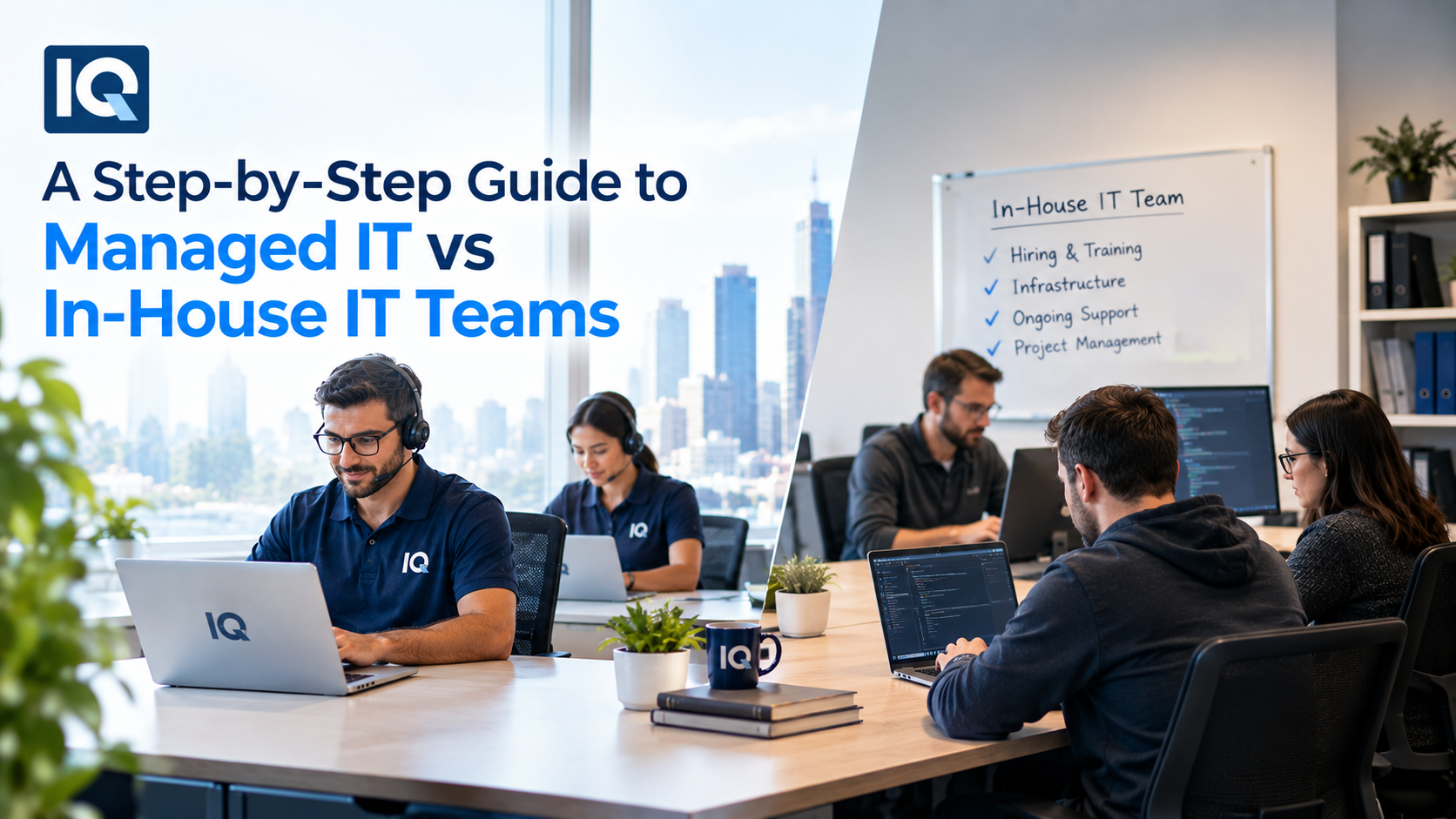
Choosing between an internal IT department and an external provider can affect your costs, response times, security and ability to support business growth. The managed IT vs in-house IT team decision is not simply about deciding who fixes computers. You need to consider the skills you require, the hours you need coverage, the systems you operate and how much responsibility your business wants to retain internally.
For some businesses, an internal team makes sense. Others may benefit from external support. A hybrid arrangement can also work well when you want internal ownership while bringing in outside expertise for specific areas.
Step 1: Work out what your IT team actually needs to handle
Start by listing the technology responsibilities currently sitting with your business.
Do not stop at help desk tickets. Include user onboarding, device management, Microsoft 365 administration, cloud platforms, cybersecurity, backups, networking, software updates, procurement and technology projects.
You may discover that your “IT person” is handling everything from resetting passwords to reviewing security alerts. That creates a useful baseline for comparing your options.
Also record how often support is required. Ten support requests a week creates a different staffing requirement from 100.
Step 2: Calculate the real cost of an in-house team
Salary is only one part of the cost of internal IT.
You may also need to account for recruitment, employee benefits, training, certifications, software, equipment, leave coverage and specialist contractors. Senior technical roles can become particularly expensive if you need expertise across cybersecurity, cloud and strategic planning.
Consider coverage too. If you have one IT employee and that person is sick or on annual leave, who handles urgent problems?
An internal team gives you direct control, but that control comes with responsibility for staffing and skills.
Step 3: Understand what a managed IT provider covers
A managed IT provider works under an ongoing service agreement. Depending on your contract, the provider may handle service desk support, monitoring, maintenance, cloud administration, cybersecurity and technology advice.
This model gives you access to a team rather than depending on one employee’s skill set.
Before comparing prices, request a detailed service description. Check whether support is remote or on-site, what hours are covered, how urgent incidents are prioritised and which services carry additional fees.
Step 4: Compare access to specialist skills
Your business may need expertise that an internal generalist cannot reasonably provide every day.
For example, a cybersecurity incident may require different knowledge from a cloud migration project. Networking, Microsoft 365 administration and AI projects can also require different technical skills.
With an external provider, you may gain access to several specialists through one agreement. With an internal team, you have more direct control over who performs the work, but you may need several employees to cover the same range of skills.
This is one of the most important areas to examine when assessing managed IT vs in-house IT team options.
Step 5: Look at security responsibilities
Cybersecurity should be treated as a separate decision point rather than something added at the end.
Ask who monitors security alerts, manages endpoint protection, applies patches, reviews user access and responds to incidents. Find out whether backup monitoring and recovery testing are included as well.
If your business handles sensitive customer or financial information, also ask how security responsibilities are documented and who is accountable when an incident occurs.
A managed provider can assist with these activities, but you should still understand your own responsibilities. Outsourcing IT does not automatically transfer every security obligation away from the business.
Step 6: Compare cloud and application management
Cloud services can create a large amount of ongoing administration.
User accounts need to be created and removed. Permissions require review. Applications need configuration and updates. Backups and security settings need attention.
If your business relies heavily on Microsoft 365, Google Workspace or other cloud platforms, ask whether the provider has experience managing those environments.
For a growing business, cloud management may also become part of a larger technology plan involving application changes, migration or new business systems.
Step 7: Consider projects, not just daily support
Think about what your business expects to do over the next two or three years.
Perhaps you plan to open another office, move systems to the cloud, improve cybersecurity, replace hardware or introduce AI tools. These projects can require skills that are not needed every day.
An internal team may handle projects directly if it has enough capacity. An external provider can provide additional technical resources when required.
A hybrid model can also make sense. You might retain an internal IT manager while using an external team for service desk support, cybersecurity, cloud projects or specialist consulting.
Step 8: Check how each option handles growth
Your IT model should fit your expected staffing and technology changes.
If your company adds 30 employees, ask what happens to IT support requirements. More users usually mean more devices, accounts, applications, security controls and support requests.
With an internal model, growth may require another hire. With a managed service, the contract may already cover additional users, although pricing and limits vary.
Do not assume a provider automatically scales with you. Ask for the pricing model for adding users, devices and locations before signing.
Step 9: Review the agreement carefully
The contract can tell you more than the sales presentation.
Look for service-level targets, response times, support hours, exclusions, project charges, hardware costs, after-hours fees and cancellation terms.
Also ask what happens when you leave the provider. You should understand how documentation, administrative credentials, configurations and business data will be returned.
A clear exit process matters because your IT environment belongs to your business.
Step 10: Choose the model that matches your priorities
There is no single structure that fits every organisation.
An internal team may suit a business that needs constant on-site involvement, wants direct control and has enough scale to employ several IT specialists.
Managed services may suit a business that wants access to a wider technical team without building every role internally. A hybrid model can provide internal ownership while bringing in external expertise where needed.
Providers such as iQtec combine Managed IT Support with Managed Cloud Services, Cybersecurity Services, Networking & Communications Services, Consulting & AI Services and ICT Procurement Services. This type of broader service model can be relevant when your IT requirements extend beyond day-to-day troubleshooting.
Questions to ask before making the decision
Before committing to either model, ask:
- What are your actual monthly IT support requirements?
- Which technical skills are essential internally?
- Do you need support outside normal business hours?
- Who handles cybersecurity monitoring and incidents?
- How will cloud administration be managed?
- What happens when your IT employee is unavailable?
- What will IT cost over the next three years?
- Which projects are likely to require specialist expertise?
Putting the answers into a simple cost and responsibility comparison can make the decision much clearer.
FAQs
What is the difference between managed IT and in-house IT?
In-house IT uses employees within your organisation to manage technology. Managed IT uses an external provider under an ongoing service agreement.
Is managed IT cheaper than hiring an internal IT team?
Not automatically. Costs depend on company size, service requirements, salaries, support coverage and the provider’s pricing. Compare the full cost of each model rather than looking only at monthly fees.
Can a business use both in-house and managed IT?
Yes. A hybrid model can combine internal IT ownership with external assistance for help desk support, cybersecurity, cloud management, projects or specialist technical work.
Does outsourcing IT mean you lose control?
Not necessarily. Your contract should clearly define responsibilities, approvals, access rights, reporting and ownership of business data and documentation.
When should a business consider managed IT services?
It may be worth considering when your internal team lacks specialist skills, support demand is increasing or you need broader coverage without hiring several additional employees.
What should you compare when choosing managed IT vs in-house IT team?
Compare total cost, technical skills, support hours, cybersecurity, cloud management, project capacity, accountability and how easily each model can accommodate changes in your business.