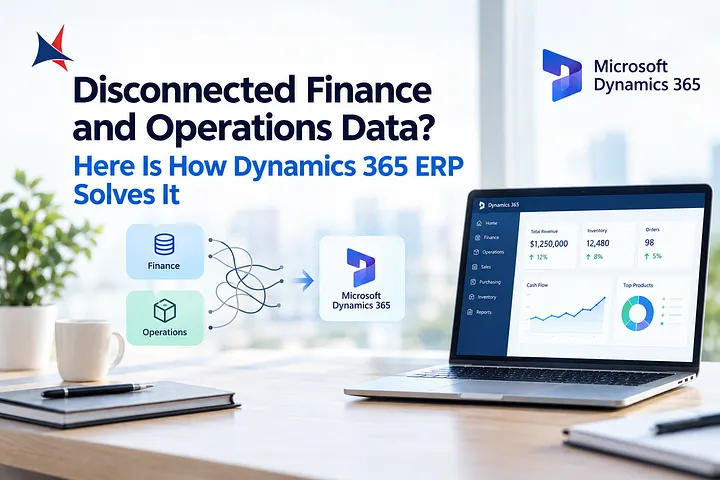
anaging finance, sales, inventory, purchasing, and daily operations across disconnected systems can make business management unnecessarily complicated. As organizations grow, spreadsheets and separate applications often create data silos, manual processes, and limited visibility.
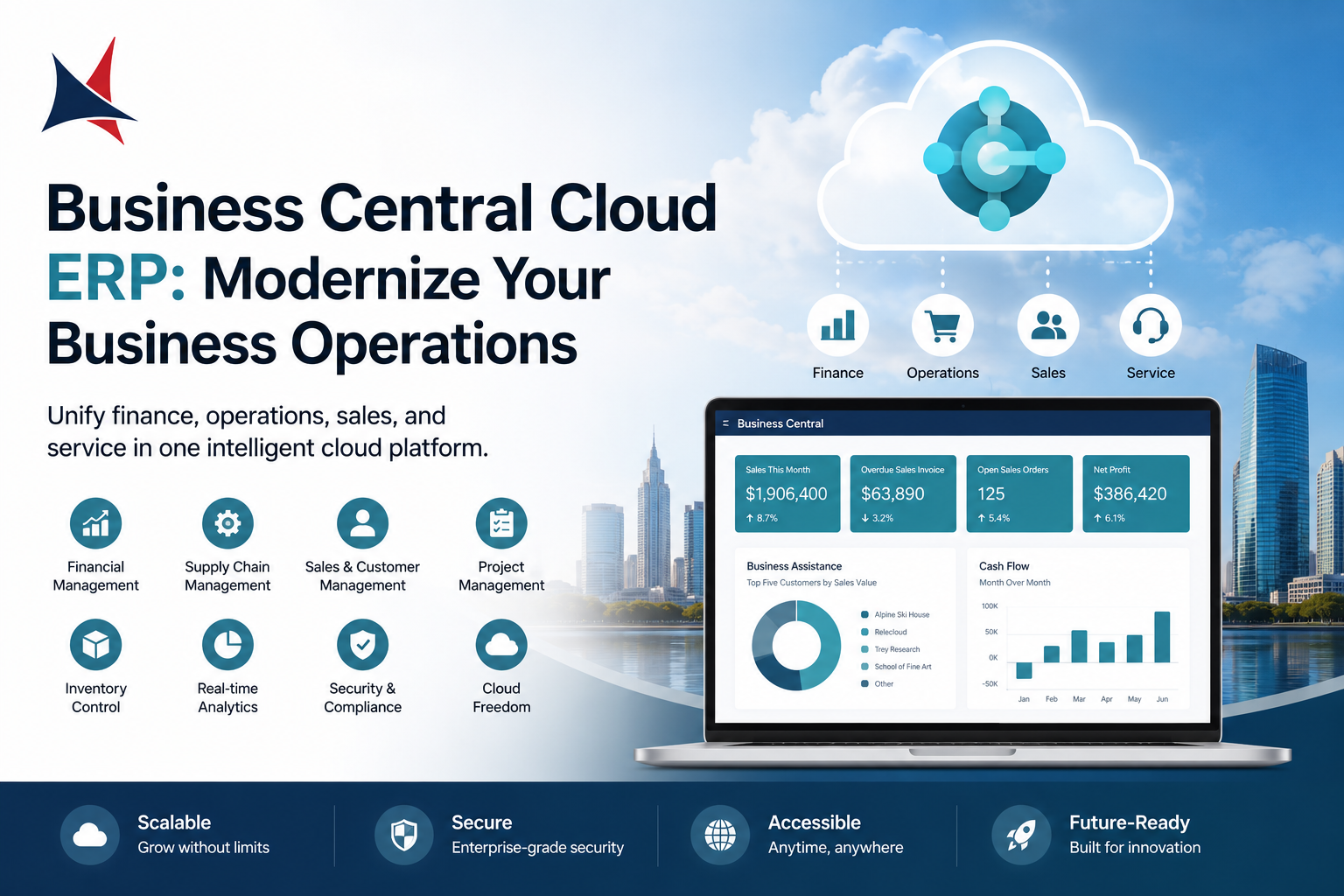
Business Central Cloud ERP provides businesses with a connected platform for managing core operations in the cloud. Microsoft Dynamics 365 Business Central is designed to help small and midsize organizations manage financials, sales, purchasing, inventory, projects, and other business processes from one environment.
With cloud-based access and integration with the Microsoft ecosystem, Business Central can provide organizations with the flexibility and visibility needed to operate more efficiently.
What Is Business Central Cloud ERP?
Business Central is Microsoft's cloud-based enterprise resource planning solution for small and midsize businesses.
An ERP platform brings different business functions together so that departments can work with connected information rather than maintaining separate systems.
Business Central can support:
- Financial management
- Sales and customer management
- Purchasing
- Inventory management
- Supply chain processes
- Project management
- Warehouse operations
- Service management
- Business reporting
Because the solution operates in the cloud, businesses can access their ERP environment without maintaining traditional on-premises ERP infrastructure.
Why Businesses Are Moving to Cloud ERP
Traditional ERP environments can require significant infrastructure, maintenance, upgrades, and internal technical resources. Cloud ERP provides an alternative approach by allowing businesses to use software through a cloud-based environment.
Business Central can help organizations reduce reliance on disconnected applications while providing a centralized view of important business information.
A cloud ERP approach can provide:
Greater Accessibility
Employees can access business information from supported devices and locations, helping organizations support hybrid and distributed work environments.
Easier Scalability
As a company grows, its business processes and data requirements can increase. A cloud-based ERP can provide flexibility for expanding operations without requiring businesses to build additional physical infrastructure.
Regular Platform Updates
Cloud software can receive ongoing updates and improvements, helping businesses keep their ERP environment current.
Connected Business Data
Instead of maintaining separate information across multiple applications, businesses can create more connected workflows across finance, sales, purchasing, inventory, and operations.
Key Features of Business Central
Financial Management
Financial management is one of the core areas of Business Central.
Organizations can manage general accounting, accounts payable, accounts receivable, cash flow, budgeting, and financial reporting.
Centralizing financial information can help finance teams gain greater visibility into business performance and reduce manual data handling.
Sales Management
Business Central can help businesses manage sales processes from quotes and orders through invoicing.
Sales teams and other departments can work with shared information, helping improve visibility into customer transactions and order status.
Inventory Management
Managing inventory accurately is essential for businesses that sell, manufacture, distribute, or store products.
Business Central provides capabilities for tracking inventory, managing stock levels, and supporting purchasing and fulfillment processes.
Better inventory visibility can help businesses make more informed decisions about purchasing and product availability.
Purchasing
Procurement teams can use Business Central to manage purchasing processes and supplier transactions.
Connecting purchasing with inventory and financial processes can reduce the need for manually transferring information between systems.
Project Management
Businesses managing projects can use Business Central to monitor project-related activities, costs, resources, and financial information.
This can provide greater visibility into project performance and profitability.
Reporting and Analytics
Business leaders need accurate information to make informed decisions.
Business Central provides reporting and analytical capabilities that can help organizations understand financial and operational performance.
When data is centralized, managers can spend less time gathering information from separate systems and more time analyzing business results.
Benefits of Business Central Cloud ERP
1. One Connected Business Platform
Business Central can connect multiple business functions within one ERP environment. This can reduce information silos and make it easier for departments to work together.
2. Improved Operational Efficiency
Automated workflows and connected processes can reduce repetitive administrative tasks and help employees work more efficiently.
3. Better Decision-Making
Access to centralized business information can give managers greater visibility into financial and operational performance.
4. Reduced IT Infrastructure Requirements
Because Business Central is cloud-based, businesses do not need to maintain the same level of physical ERP infrastructure associated with traditional on-premises deployments.
5. Microsoft 365 Integration
Business Central works within the Microsoft ecosystem and can integrate with Microsoft tools used for productivity and collaboration.
This can provide employees with a more familiar technology environment.
6. Support for Business Growth
Business Central can support organizations as their processes, users, products, and operations evolve.
Who Can Benefit From Business Central?
Business Central can be valuable for organizations that have outgrown basic accounting software or rely on multiple disconnected applications.
It can be particularly useful for:
- Wholesale distributors
- Professional services companies
- Manufacturers
- Retail businesses
- Construction organizations
- Field service companies
- Growing midsize businesses
Organizations with complex financial, inventory, purchasing, or operational processes may benefit from moving to a connected ERP environment.
Business Central Implementation Considerations
Implementing an ERP system is a significant business project. Technology is only one part of the process.
Businesses should first understand their current workflows and identify areas that need improvement.
A typical implementation may involve:
Business Process Assessment
Review existing finance, sales, inventory, purchasing, and operational processes.
Solution Planning
Determine which Business Central capabilities are needed and how they should support business requirements.
Configuration
Configure financial structures, workflows, permissions, reporting, inventory processes, and other functionality.
Data Migration
Clean and migrate relevant data from legacy applications, spreadsheets, and existing systems.
Integration
Connect Business Central with other business applications where necessary.
Testing
Test business processes and integrations before going live.
Training
Train employees according to their roles and responsibilities to encourage adoption.
Ongoing Support
After deployment, businesses may require optimization, technical support, additional configuration, and user assistance.
Choosing a Business Central Partner
The right implementation partner can have a major impact on ERP adoption and long-term value.
Businesses should consider a partner's:
- Business Central expertise
- ERP implementation experience
- Industry knowledge
- Data migration capabilities
- Integration experience
- Customization skills
- Training approach
- Post-implementation support
A strong partner should understand business processes as well as technology.
Cambay Solutions for Business Central
Cambay Solutions helps organizations modernize business operations using Microsoft technologies. Its Dynamics 365 services include consulting, implementation, customization, integration, migration, and ongoing support.
For businesses considering Business Central Cloud ERP, professional guidance can help assess current processes, plan the ERP environment, configure the platform, migrate data, integrate relevant systems, and support user adoption.
A structured implementation can help businesses make better use of Business Central while avoiding unnecessary complexity and ensuring the solution aligns with operational objectives.
Cambay Solutions works with organizations across multiple industries and focuses on Microsoft-based solutions designed around specific business requirements.
Frequently Asked Questions
What is Business Central Cloud ERP?
Business Central Cloud ERP is Microsoft's cloud-based enterprise resource planning solution for small and midsize businesses. It helps manage financials, sales, inventory, purchasing, projects, and other business processes.
What does Business Central manage?
Business Central can support financial management, sales, purchasing, inventory, supply chain, project management, warehouse operations, and reporting.
Is Business Central suitable for growing businesses?
Yes. Business Central is designed to support small and midsize organizations as their operations and business requirements evolve.
What are the advantages of cloud-based Business Central?
Cloud deployment can provide easier access, reduced infrastructure management, regular updates, scalability, and integration with other Microsoft services.
Can Business Central integrate with Microsoft 365?
Yes. Business Central is part of the Microsoft ecosystem and can work with Microsoft productivity and collaboration technologies.
Can existing business data be moved to Business Central?
Yes. Data migration is an important part of many Business Central implementations. Relevant data should be reviewed, cleaned, mapped, and validated before migration.
Why work with a Business Central implementation partner?
A qualified partner can help with business analysis, solution design, configuration, migration, integration, training, deployment, and ongoing support.
Conclusion
As businesses grow, managing finance, sales, inventory, purchasing, and operations through disconnected systems can become increasingly difficult. A connected cloud ERP can provide the foundation businesses need to improve visibility and streamline everyday processes.
Business Central Cloud ERP brings core business functions together within a Microsoft cloud environment, helping organizations manage financials, sales, inventory, purchasing, projects, and operations more efficiently.
With careful planning and the support of an experienced implementation partner, businesses can use Business Central to modernize their processes, improve access to business information, and create a scalable foundation for continued growth.